Two workspaces. One creative app.
Pixlume Design brings photo editing and graphic design to your canvas. Pixlume Write brings document creation and PDF editing to a separate workspace. Each capability is labeled with its current status.
Pixlume Design
Photo editing, graphic design, layers and typography.
Pixlume Write
Document creation and PDF editing in a dedicated workspace.
- Available
- In the current release.
- In beta
- Usable today, still being refined.
- In development
- Being built. Not in the current release yet.
Creative workspace
Pixlume Design
Create on a layered canvas with photo editing and graphic design tools.
Photo editing
Correct, adjust and finish photos without leaving your layered document.
- Available
Image adjustments
Exposure, brightness, contrast, highlights and shadows, applied to the layer you choose.
- Available
Color correction
Balance temperature and tint, and tune hue and saturation until colors look right.
- Available
Filters and effects
Blur, sharpen and stylize, previewed on the canvas before you commit.
- In beta
Transformations
Scale, rotate, flip and crop with precise numeric input or by dragging handles.
- Available
Import and export
Bring in common image formats and export finished work for the web, print or sharing.
Layers
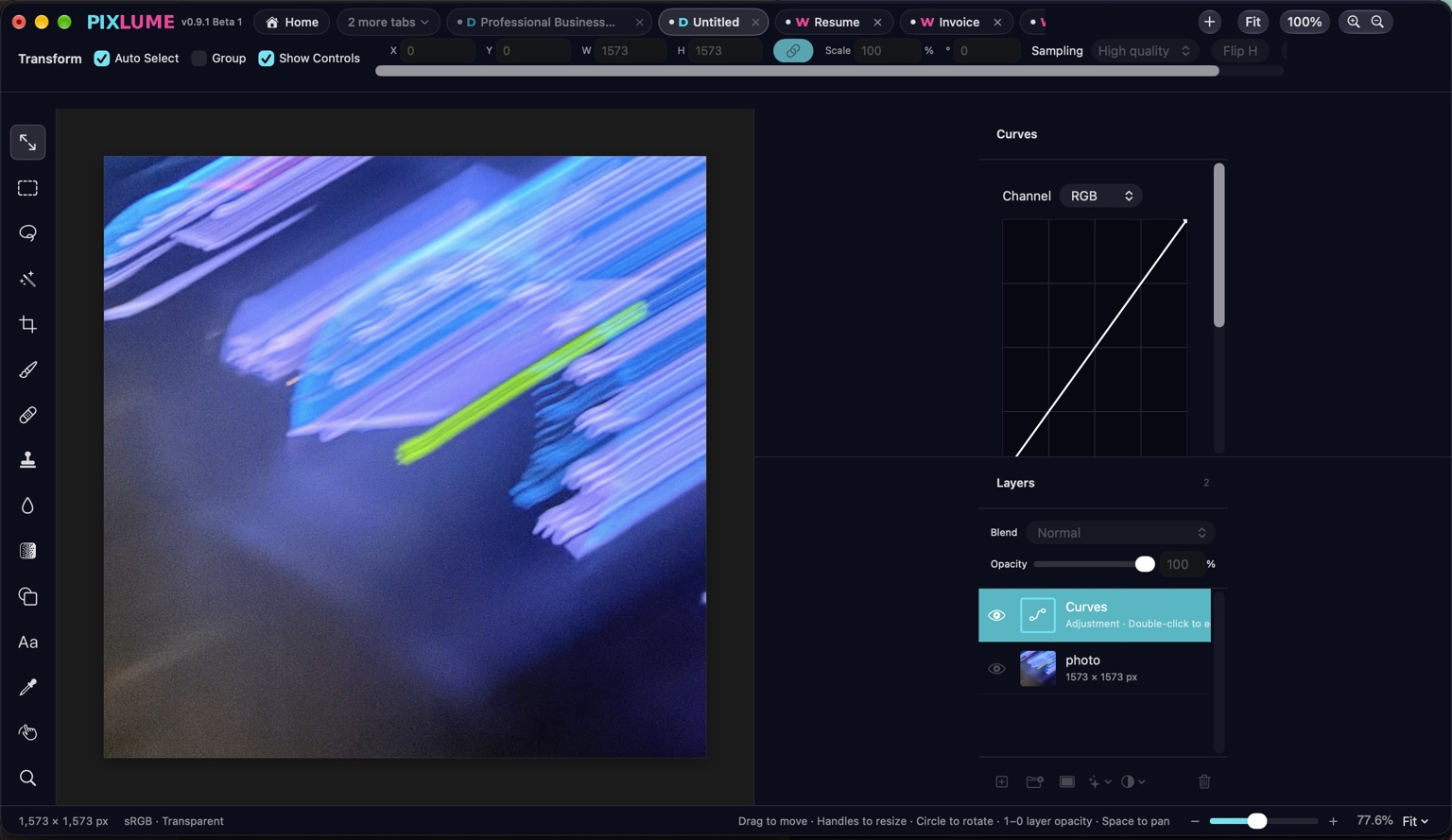
Build images from independent pieces you can rearrange and change at any time.
- Available
Layer management
Create, duplicate, group, reorder, rename and hide layers from the Layers panel.
- Available
Opacity and blending
Set each layer's opacity and blend mode to control how it combines with the layers below.
- Available
Layer masks
Hide parts of a layer without erasing pixels, and change your mind later.
- Available
Layer transformations
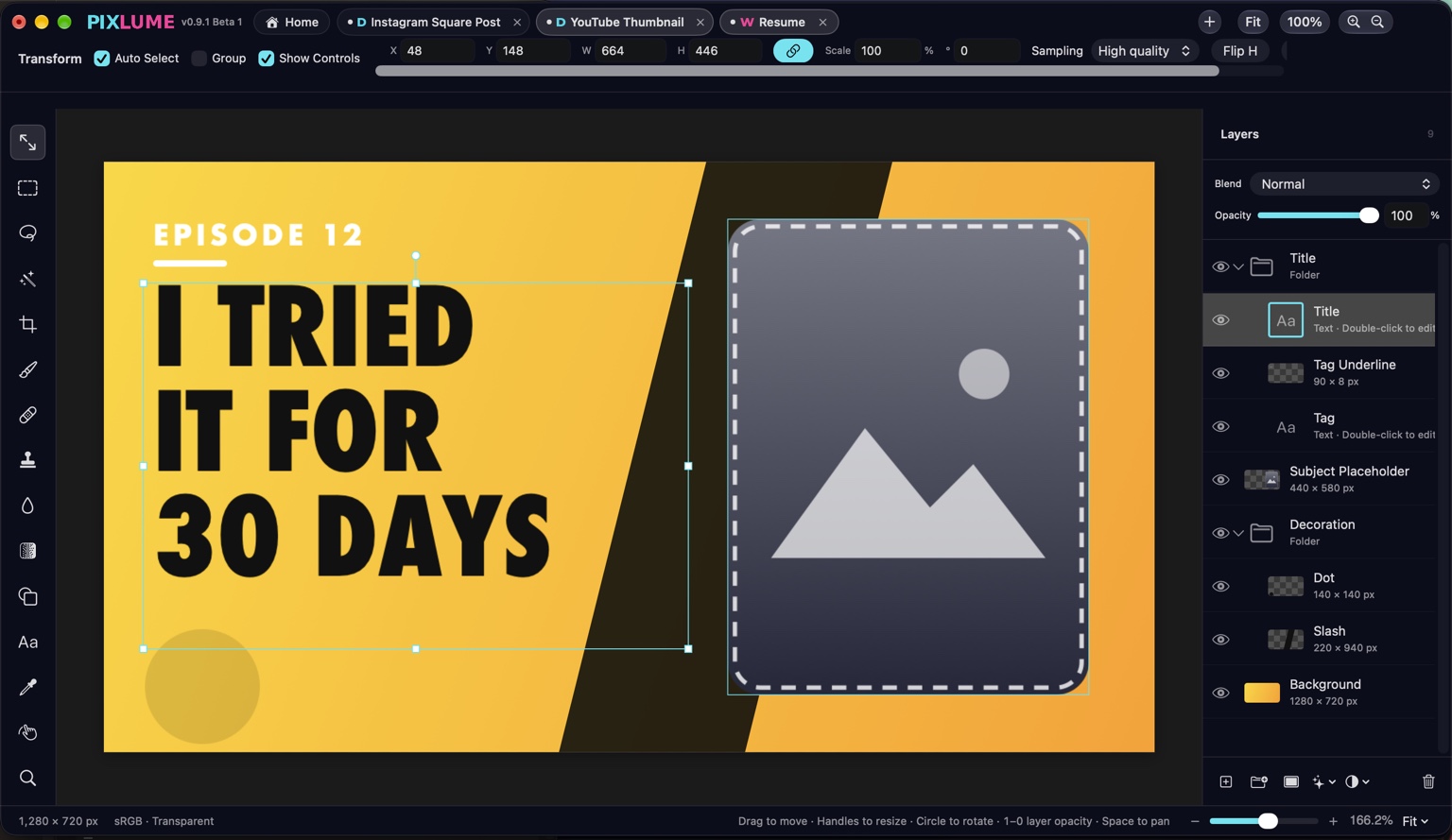
Move, scale and rotate a single layer while the rest of the document stays put.
- Available
Layer locking
Lock finished layers so they can't be moved or painted on by accident.
Text
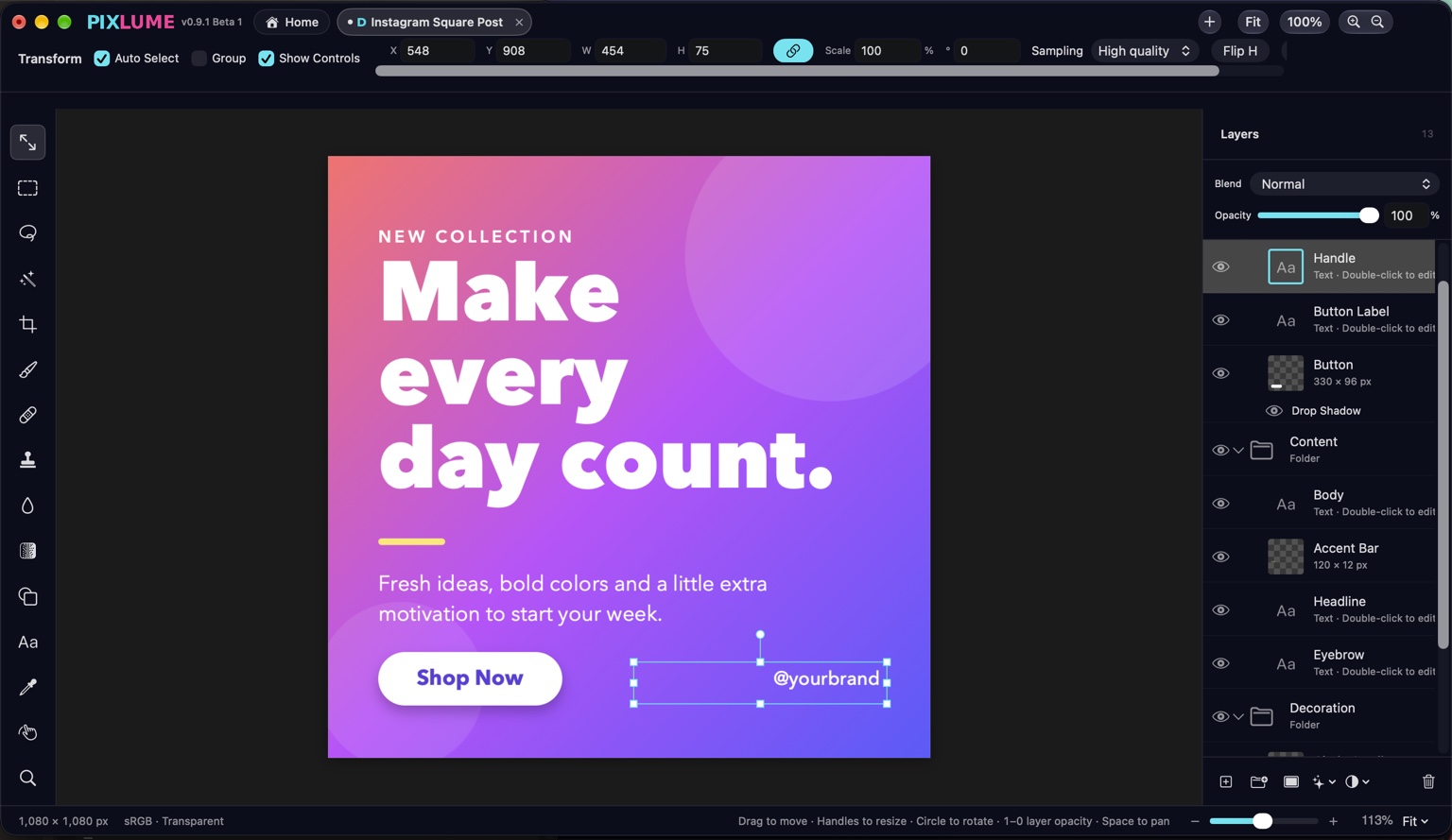
Typography that stays editable, from a single caption to a full poster.
- Available
Editable text layers
Text stays live: fix a typo or change the wording whenever you like.
- Available
Font customization
Choose any installed font and set size, weight, tracking, leading and color.
- Available
Text transformations
Scale, rotate and position text layers like any other layer.
- Available
Text Warp with 15 presets
Shape a line of text into arcs, waves, bulges and more from 15 warp presets.
- Available
Bend and distortion controls
Fine-tune any warp with bend plus horizontal and vertical distortion.
Professional compatibility
Work with files from other apps and keep color accurate from start to finish.
- In beta
Photoshop PSD import
Open PSD files and keep their layers, so you can continue work started elsewhere.
- In beta
Color profile handling
Embedded color profiles are respected, so colors look the same in Pixlume as in the source.
- In beta
Multiple bit depths
Edit 8-bit and 16-bit images, keeping the extra precision for smooth gradients.
- Available
Native Pixlume projects
Save everything — layers, masks, text and settings — in Pixlume's own project format.
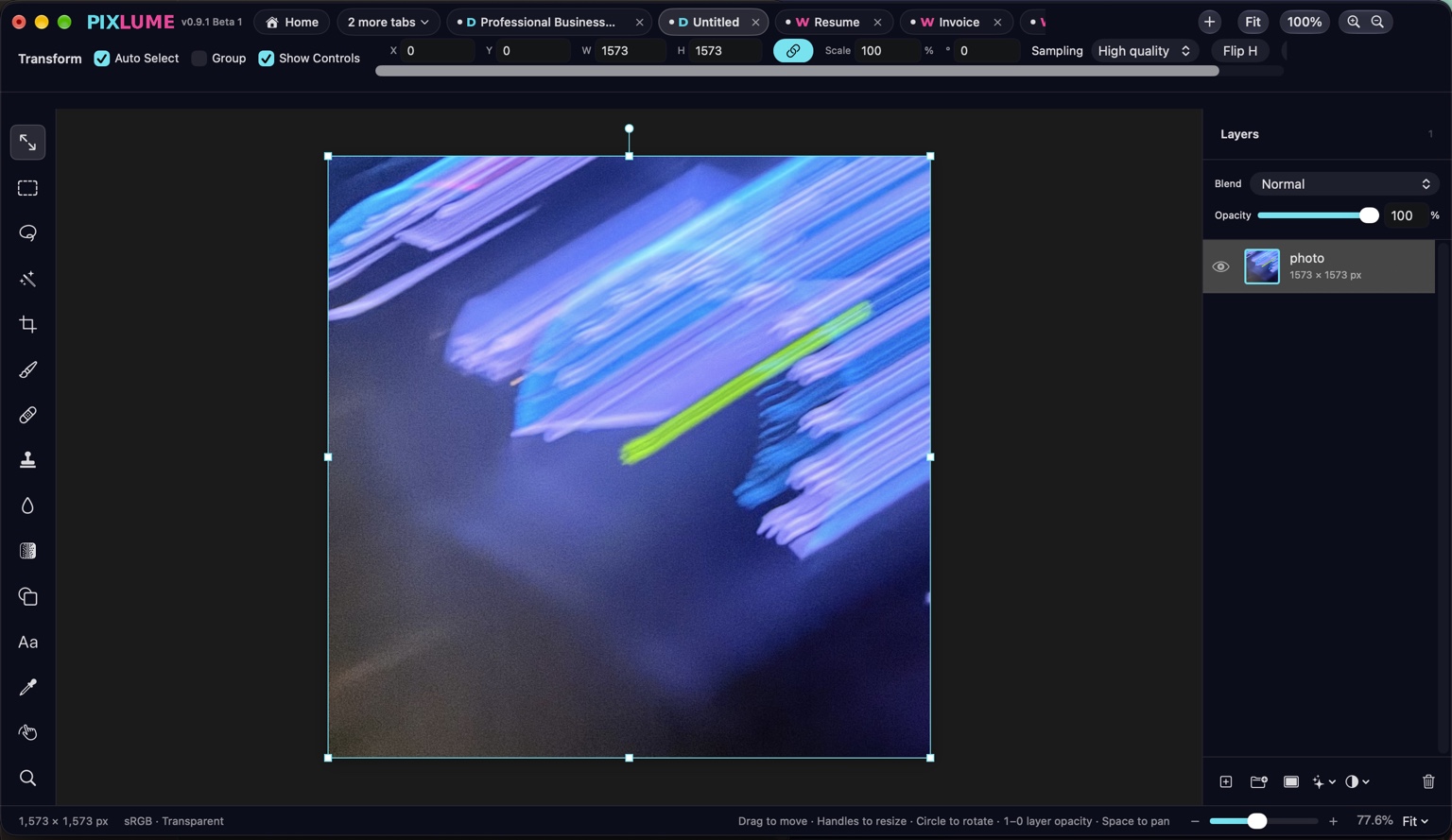
Creative workflow
A workspace that keeps up with how you actually work.
- Available
Custom canvas sizes
Start from presets for social, print and devices, or enter any size and resolution.
- Available
Multiple open documents
Keep several documents open and switch between them as you work.
- Available
Undo and redo
Step backward and forward through your edits with confidence.
- Available
Flexible workspace
Arrange panels around the canvas so the tools you use most are close at hand.
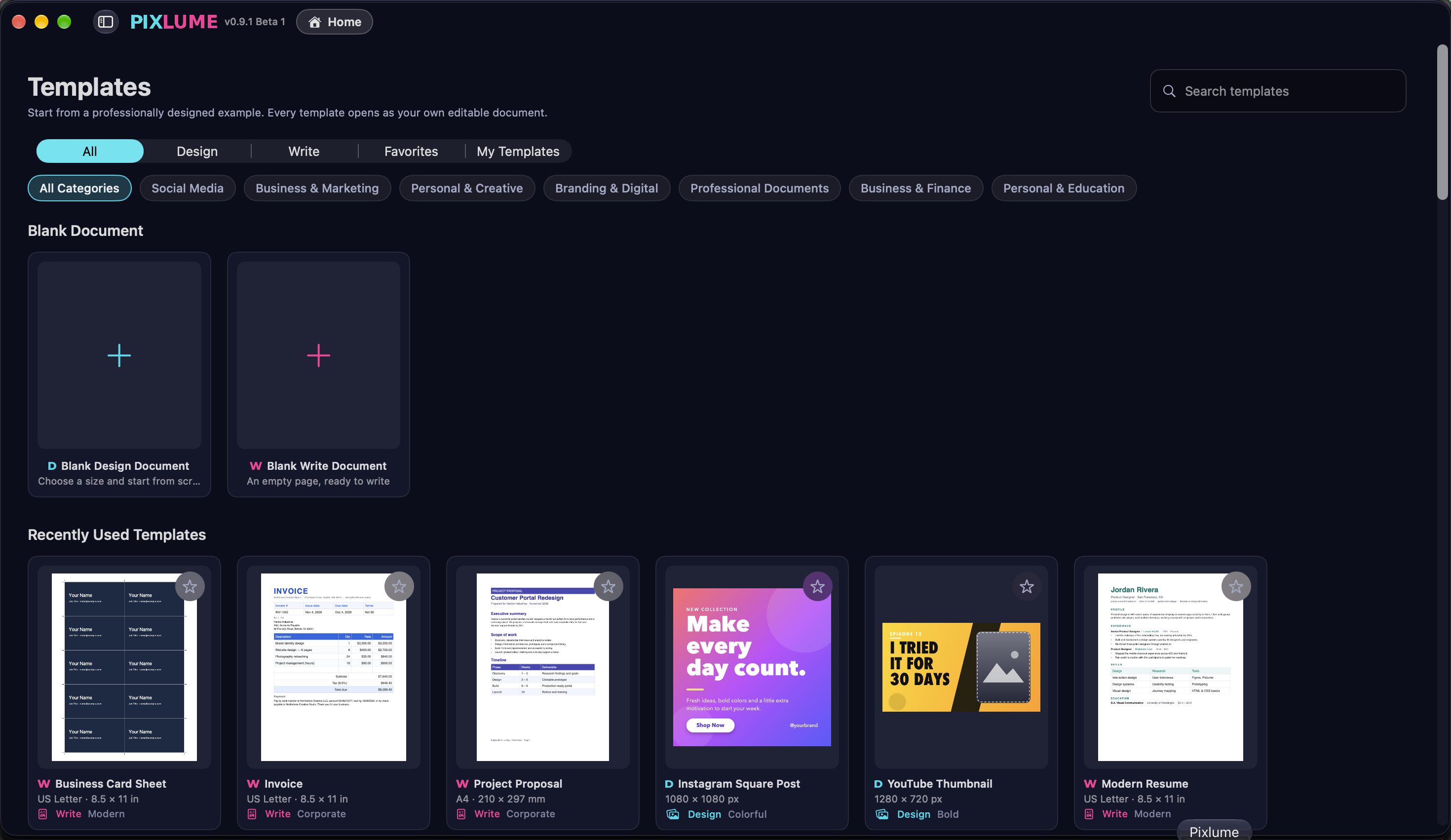
Creative workspace
Pixlume Write
Create Beyond Words
Coming Soon for macOS and iPadOS.
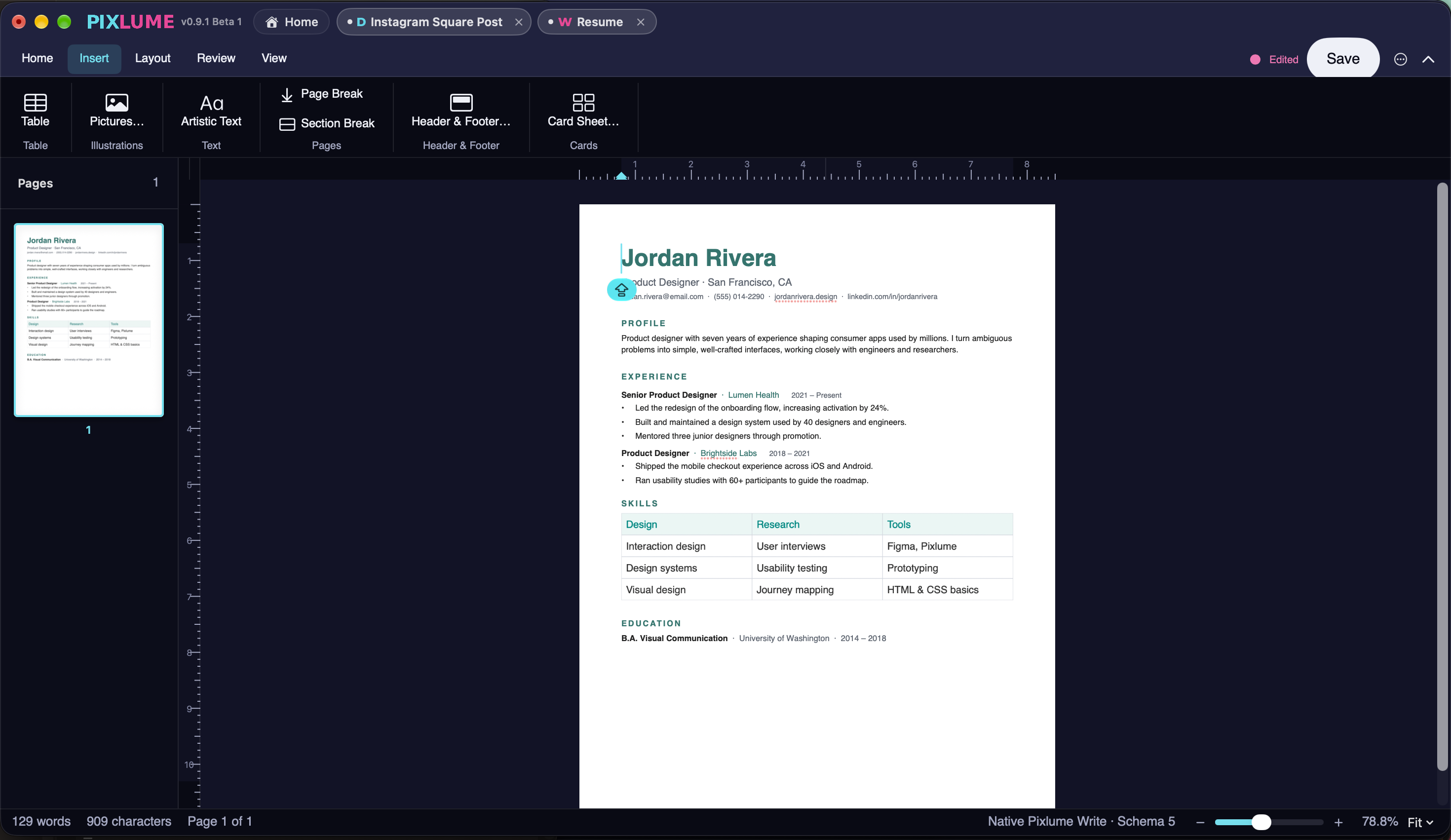
Bring your ideas to life with Pixlume Write, a powerful all-in-one workspace for professional document creation and PDF editing.
Create stunning documents with advanced text formatting, customizable layouts, tables, images, and templates. Take full control of your PDFs with tools to edit text and images, annotate, sign, organize pages, merge files, and export with ease.
Designed with Pixlume’s signature interface, Write combines the power of a professional word processor and PDF editor in one seamless creative experience.
One workspace. Endless possibilities.
These capabilities are planned for Pixlume Write. Creative workflow features are shared with Pixlume Design; their availability in Write will follow its release.
Creative workflow
A workspace that keeps up with how you actually work.
- Available
Custom canvas sizes
Start from presets for social, print and devices, or enter any size and resolution.
- Available
Multiple open documents
Keep several documents open and switch between them as you work.
- Available
Undo and redo
Step backward and forward through your edits with confidence.
- Available
Flexible workspace
Arrange panels around the canvas so the tools you use most are close at hand.
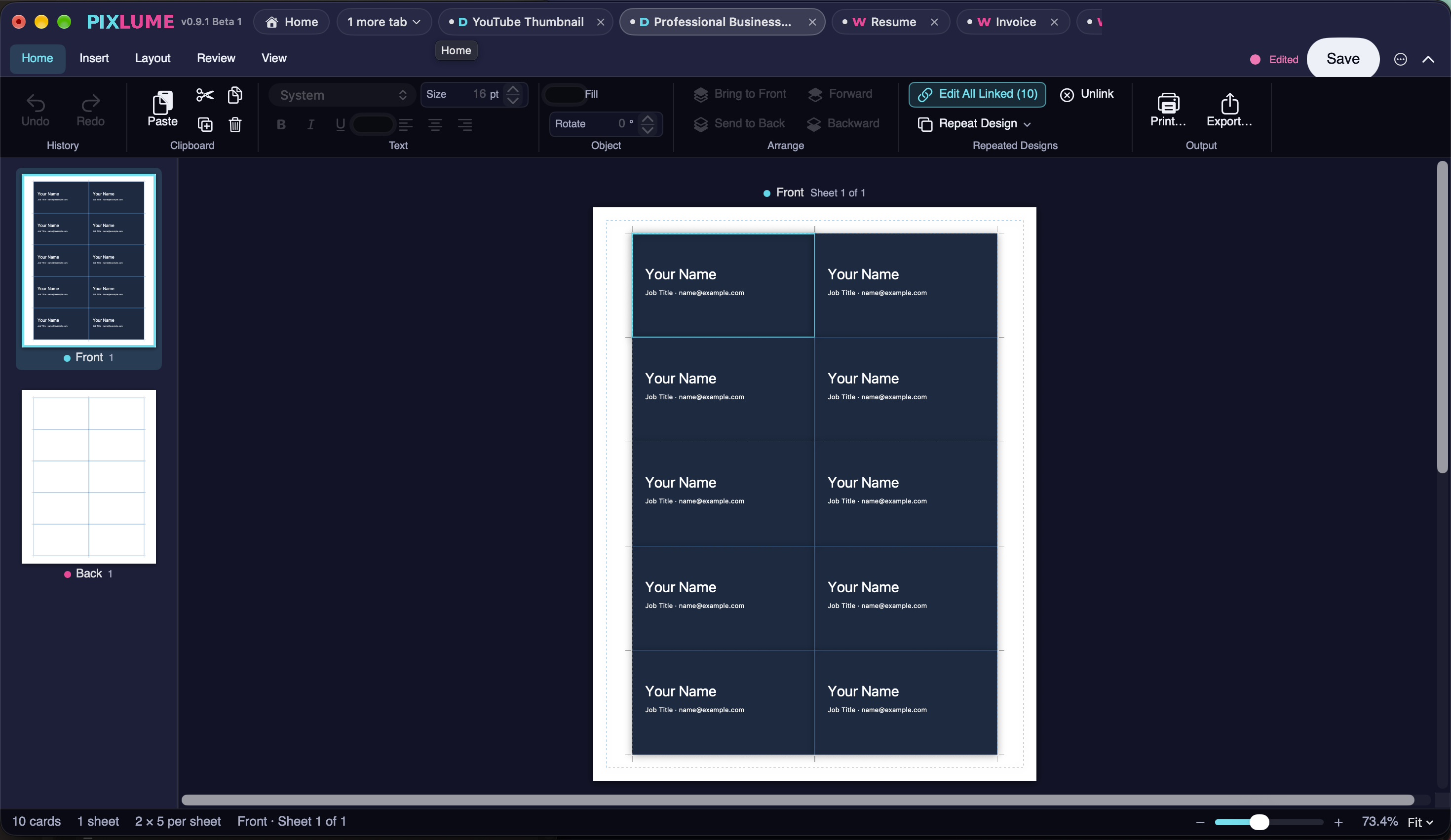
Document creation
A dedicated writing workspace, accessible from Pixlume Home and separate from the Design canvas.
- Available
Writing workspace
Create and work on documents in a focused workspace for Pixlume Write.
- In beta
Rich text and page layout
Planned tools for formatting text and arranging document pages.
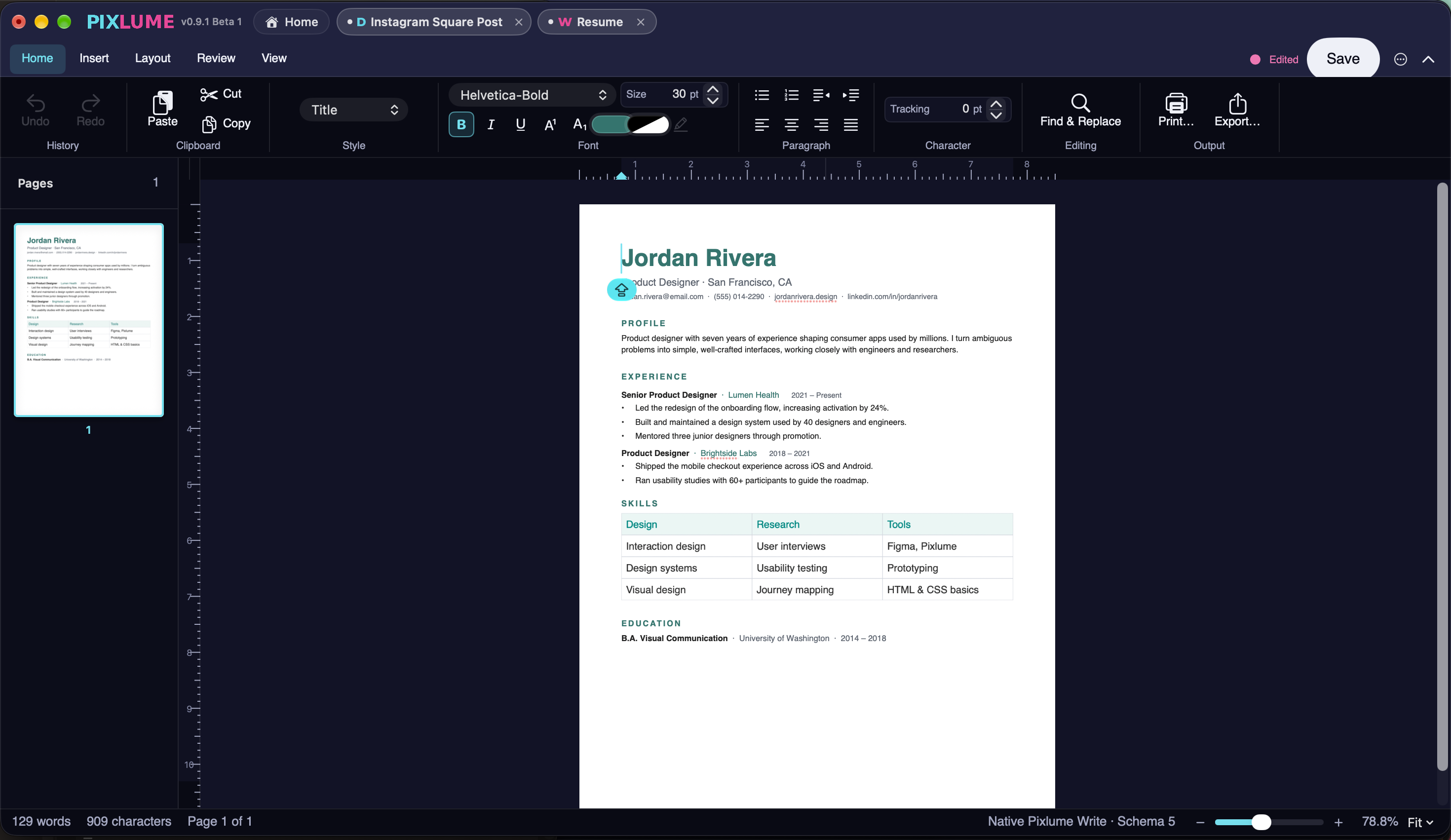
PDF editing
Planned PDF tools within Pixlume Write, alongside document creation.
- In beta
PDF workspace
Open and work with PDFs from the Write workspace.
- In beta
PDF editing tools
PDF editing is in development. Specific tools and supported operations will be confirmed as they are implemented.
Pixlume Write · PDF editing
Preview coming soon
Missing something you need?
Tell us what you'd use it for. Feature requests go straight to the people building Pixlume.